Put a loved one back in the picture
Add someone who couldn't be there — a passed-away parent, a far-away relative — into a photo you already have, with the lighting and grain matched so the two photos blend naturally — a clearly AI-made keepsake.
- Seamlessly blended — not a visible paste
- Works from an old or low-res reference photo
- Credit refunded automatically if a generation fails
Credit refunded if a generation fails · Secure checkout · Charged in your local currency


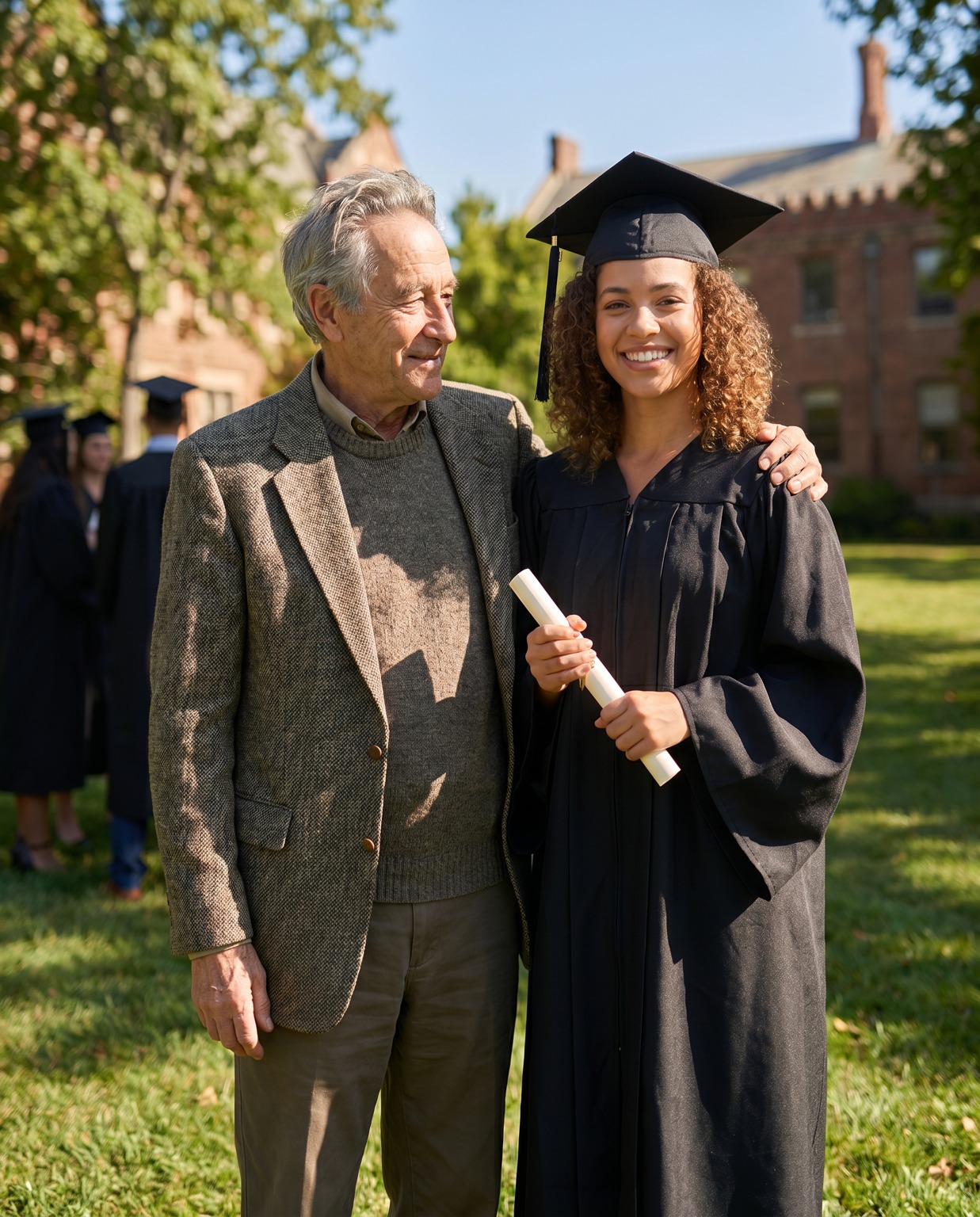
One upload in. Add Loved One to Photo out.
Add someone who couldn't be there — a passed-away parent, a far-away relative — into a photo you already have, with the lighting and grain matched so the two photos blend naturally — a clearly AI-made keepsake.
One-time credit packs
One credit = one generation, on any app. Pack credits never expire — the more you buy, the less each generation costs.
Three steps to a keeper
Upload
Add your photo
Pick a style
Choose a preset
Generate
Get your image and add it to your design
Frequently asked questions
How does Add Loved One to Photo work?
Upload your photo plus a photo of the person to add, pick a style, and generate. It costs one credit and returns one seamless composite photo you can download or add to your design.
How much does it cost?
It's pay-as-you-go credits — one credit makes one photo. New accounts get a few starter credits to try it.
Will it still look like them?
Yes — it re-renders them from your upload, keeping the recognizable details so the result is clearly them, not a generic AI image.
Are my photos private?
Your uploaded photo is used only to create your image, is never used to train AI models, and is deleted within 30 days. See our Privacy Policy.
What if a generation fails or I don't like it?
If a generation fails it's refunded to your balance automatically, so you're never charged for a result you didn't get. Unused credits are refundable within 14 days.