Clone yourself in motion — one photo, many you
Upload a single photo and turn it into a cinematic motion edit — a Muybridge walk sequence, a jump arc, a strobe action, light trails and more, dropped into your Canva design.
- Keeps your real face and outfit — every copy is unmistakably you
- 8 viral motion effects, from walk-cycle multiplicity to zoom-burst
- Credit refunded automatically if a generation fails
Credit refunded if a generation fails · Secure checkout · Charged in your local currency
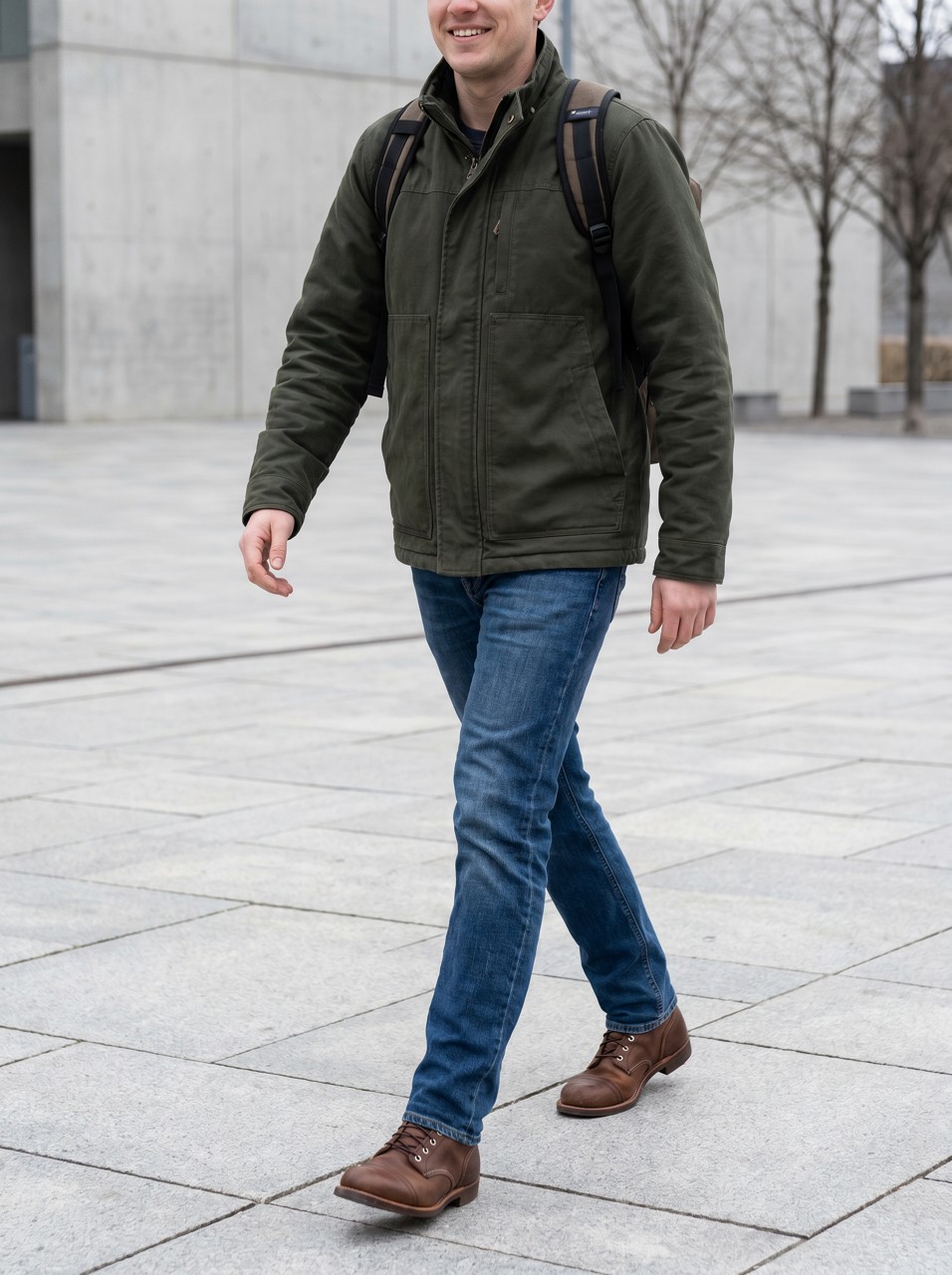
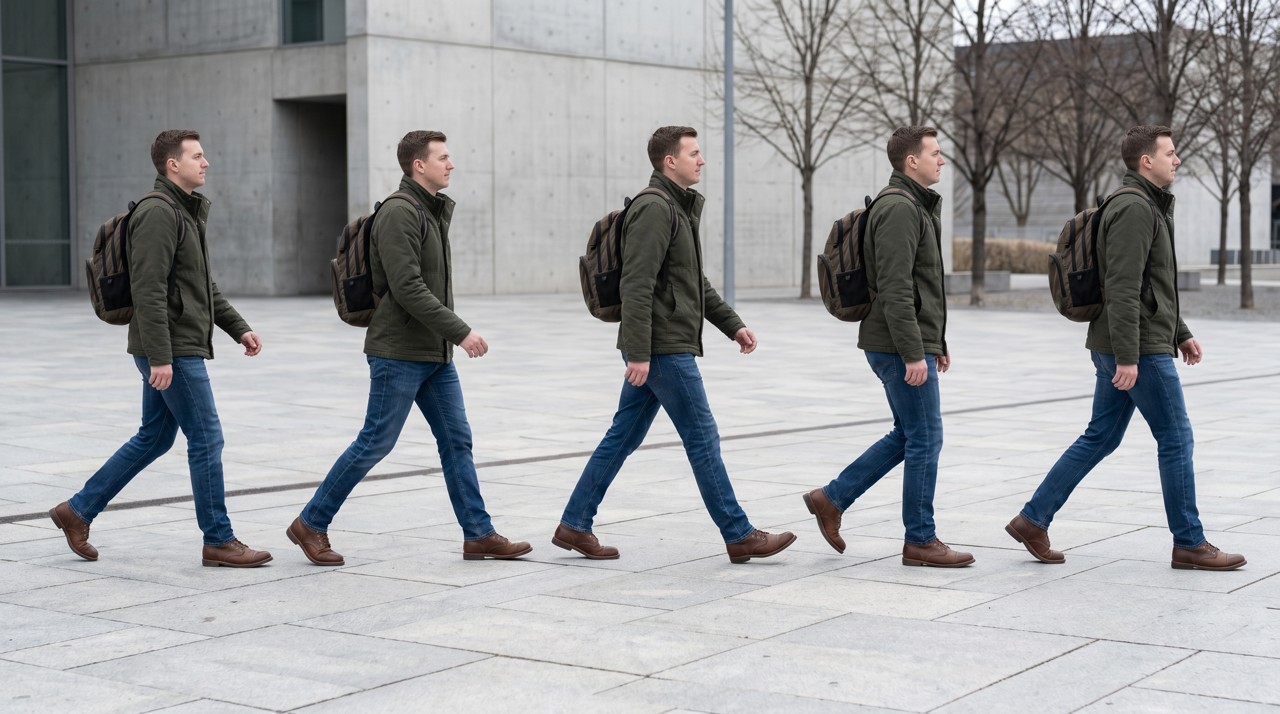
One photo in. Yourself, in motion.
Every image below is the same person from a single upload, multiplied and blurred into motion — your face and outfit stay the same; only the movement is added.
One-time credit packs
One credit = one generation, on any app. Pack credits never expire — the more you buy, the less each generation costs.
Three steps to a keeper
Upload
Add one photo of yourself
Pick an effect
Choose a motion effect
Generate
Get the motion edit and add it to your design
Frequently asked questions
How does Motion Clone work?
Upload one clear photo of yourself and pick an effect — a walk sequence, jump arc, strobe action, echo trail, light trails and more. It costs one credit and returns one photorealistic image that multiplies or motion-blurs the same you across the frame.
How much does it cost?
It's pay-as-you-go credits — one credit makes one edit. New accounts get a few starter credits to try it, and you only buy more when you want to.
Will every copy still look like me?
Yes — it re-renders the same person from your photo, keeping your face, hairstyle and outfit, so every clone in the frame is recognizably you rather than a generic AI figure.
Are my photos private?
Your uploaded photo is used only to create your image, is never used to train AI models, and is deleted within 30 days. See our Privacy Policy for details.
What photo should I upload?
One clear, full or half-body photo of yourself works best — it gives the effect room to repeat your pose across the frame. You must own or have consent for the photo, everyone must be 18+, and no public figures.
What if a generation fails or I don't like it?
If a generation fails it's refunded to your balance automatically, so you're never charged for a result you didn't get. Unused credits are refundable within 14 days.