Turn one photo into a full jewelry catalog
Upload one photo — or a whole tray — and re-shoot every piece across 23 studio scenes and 18 on-model looks, in pro camera angles. Every bead, stone and the exact metal hue stay pixel-locked; only the scene changes.
- Keeps your exact item — every stone, link and the metal hue locked
- A matching set per piece: one model, one scene, one light across every shot
- 23 studio scenes and 18 on-model looks, from white packshot to festive and bridal
- Single or bulk — re-shoot a whole tray of pieces at once
- Every jewelry type worldwide, including Indian favorites (jhumka, mangalsutra, kada…)
- Credit refunded automatically if a generation fails
Credit refunded if a generation fails · Secure checkout · Charged in your local currency
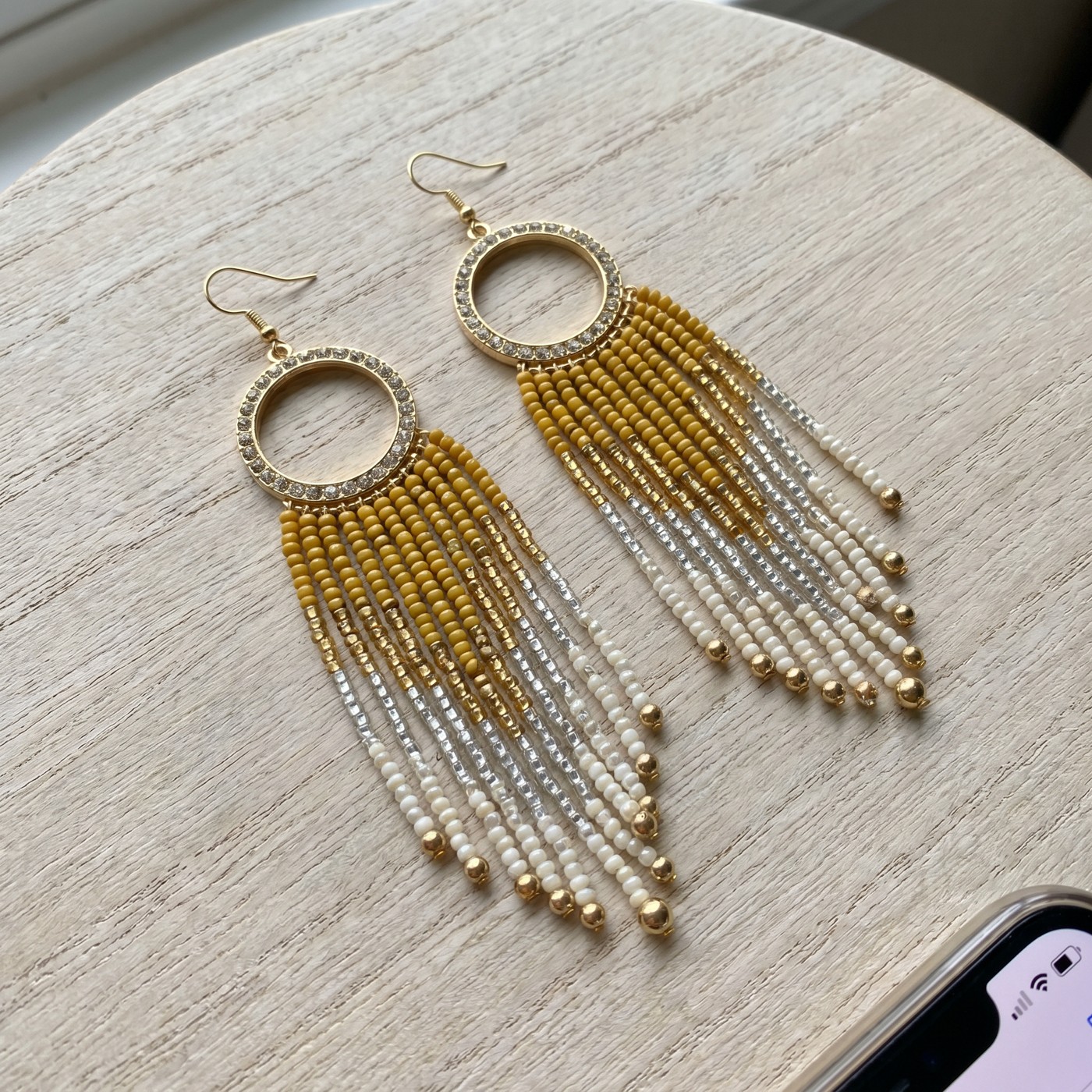
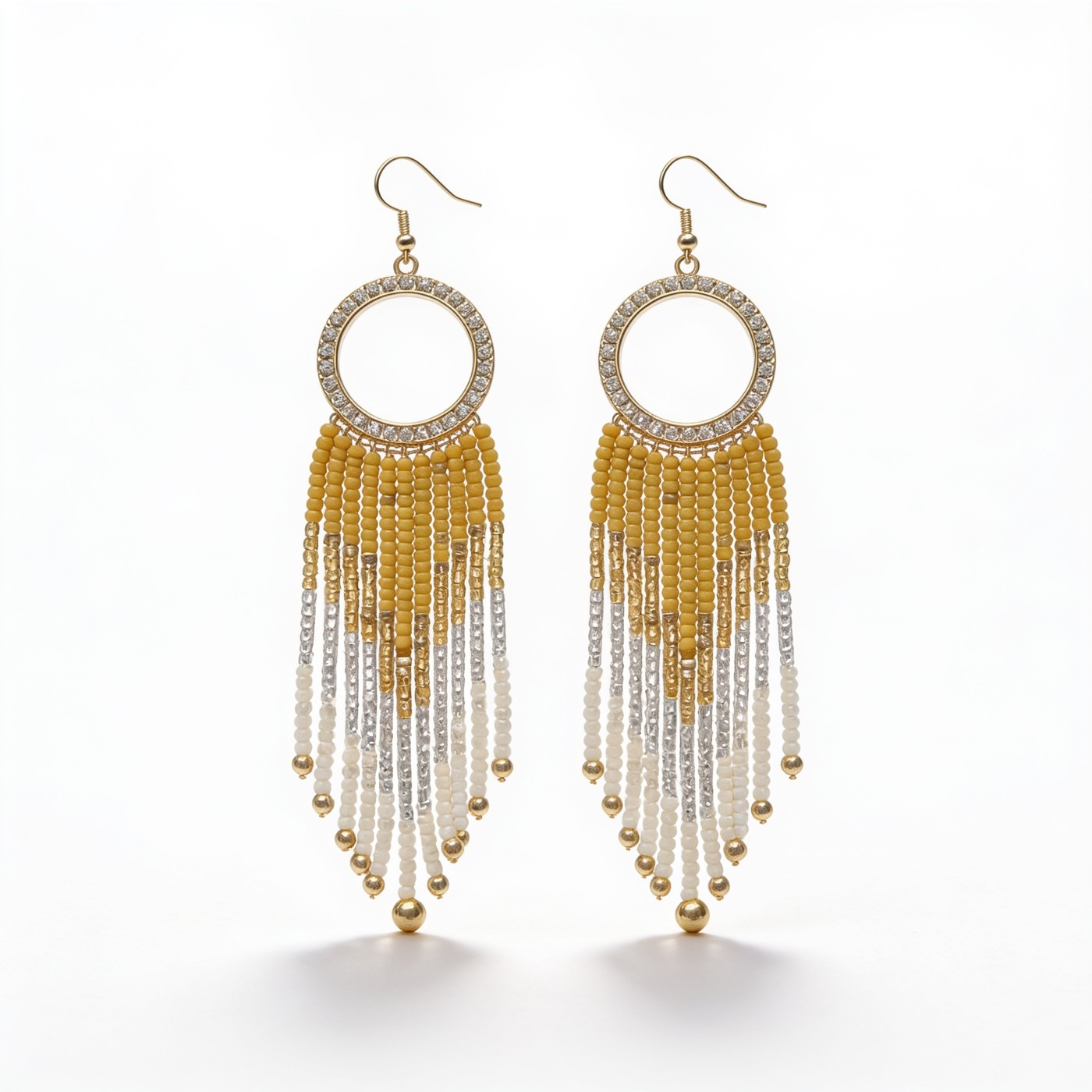
One photo in. Any scene you want.
Every shot below is the same piece from a single upload, re-shot — every bead, stone and the metal hue stay exactly the same; only the scene changes.
One-time credit packs
One credit = one generation, on any app. Pack credits never expire — the more you buy, the less each generation costs.
Three steps to a keeper
Upload
Add one photo — or many — of your jewelry
Pick your shoot
Choose a model, a scene and the camera angles you want
Generate the set
Every shot comes back matching — same model, same scene, same light
Frequently asked questions
How do I turn one jewelry photo into a full catalog?
Upload one clear photo of your piece, and we auto-detect the jewelry type. Pick the studio scenes and camera angles you want — or describe your own — and generate. Each scene-and-angle shot costs one credit, and every bead, stone, link and the metal hue are kept pixel-exact; only the scene changes. Use Bulk to re-shoot up to eight pieces as a matching set.
How much does it cost?
It's pay-as-you-go credits — one credit makes one shot, and each extra scene or angle is one more shot. New accounts get a few starter credits to try it, and you only buy more when you want to.
Will it keep my exact piece?
Yes — the geometry is locked, so every stone, link and the metal tone stay exactly as in your photo. Only the backdrop, lighting and (for on-model shots) the hand or neck around it change.
Are my photos private?
GemGlow uploads are product photos, not people. We keep the photo you upload so you can re-shoot the same piece into new scenes and angles whenever you want, without re-uploading — it is never used to train AI models. You can ask us to delete a stored piece at any time; see our Privacy Policy for details.
What photo should I upload?
One clear, well-lit photo of a single piece on a plain background works best. You must own or have the right to use the product photo you upload.
What if a generation fails or I don't like it?
If a generation fails it's refunded to your balance automatically, so you're never charged for a shot you didn't get. Unused credits are refundable within 14 days.